




















Bill Saver

Save on your
everyday bills and
purchases
Get Started
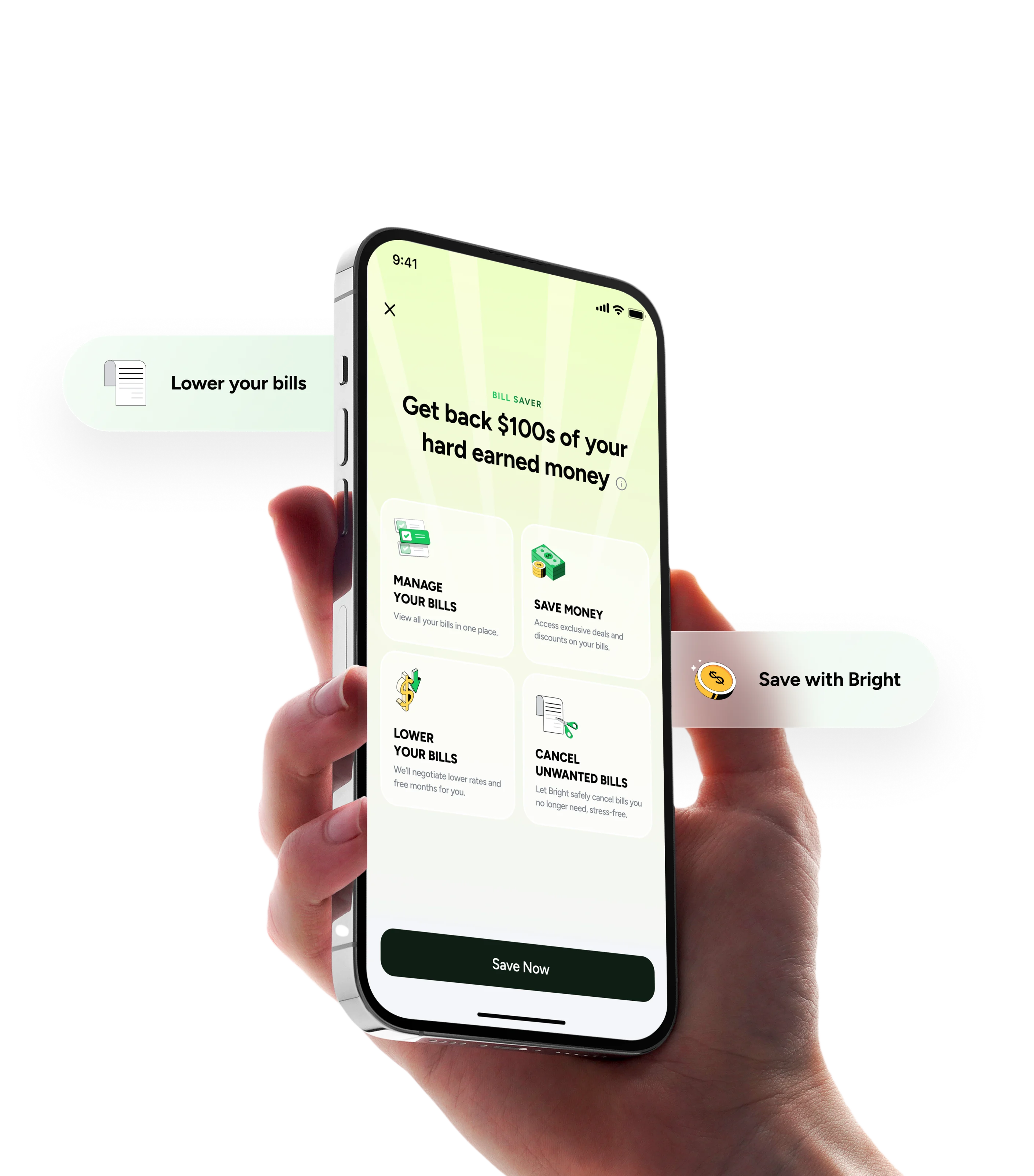
Bright Money Bill Saver app showing bill management features
Save more with Bright

Bright finds your
bills and purchases

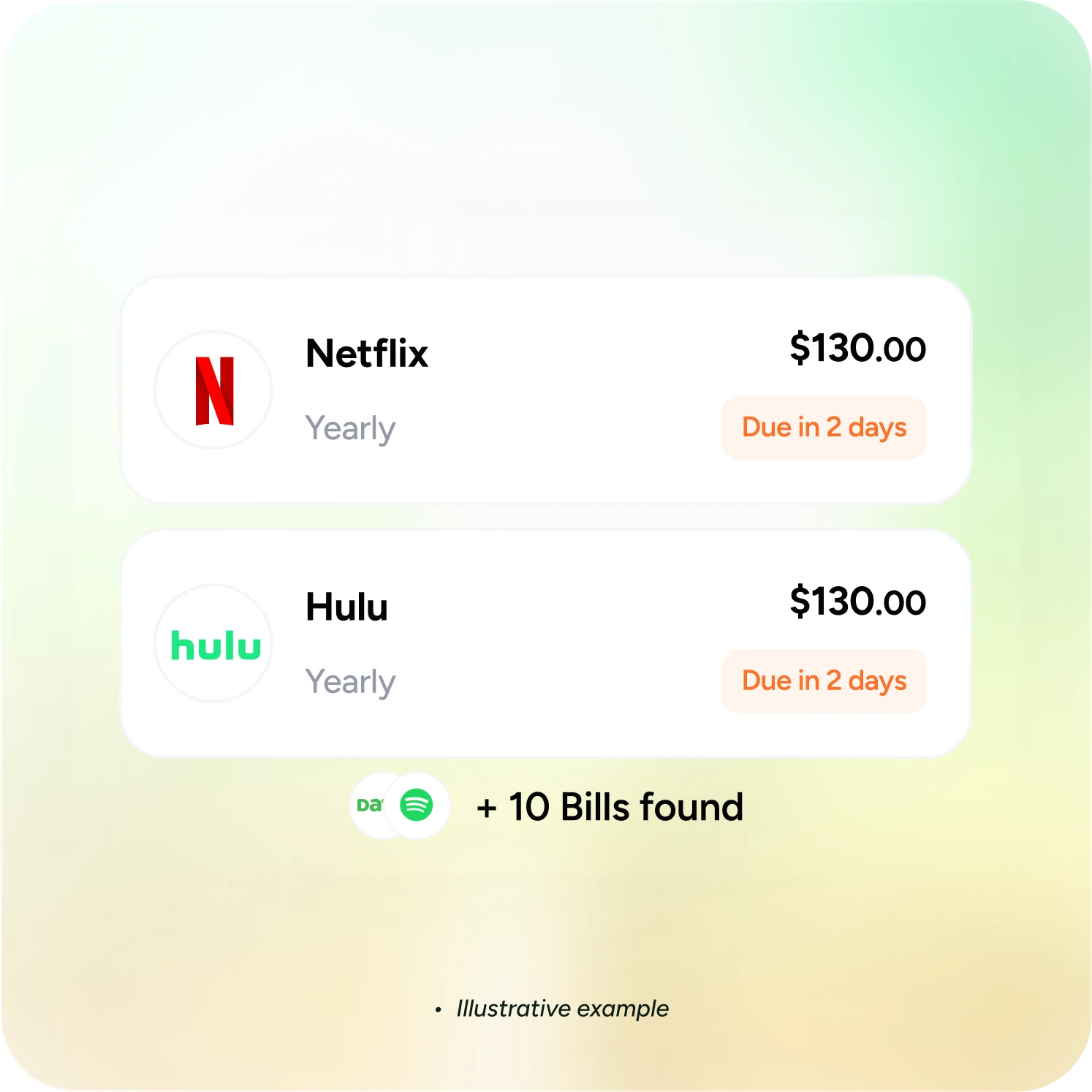
Bright detects your subscriptions, bills and other purchases. You can also add a bill or a purchase manually.

Bright detecting Netflix and Hulu subscriptions, with 10 more bills found
Two friends laughing while looking at their phones
Stop overpaying on subscriptions

Bright can cancel or negotiate your bills

Bright AI helps lower your bills by canceling unwanted subscriptions and negotiating the bills you keep.

AI-powered savings

AI finds offers to maximize your savings 24/7

Bright helps you earn exclusive cashback from thousands of brands you already
shop with. Our AI works around the clock to find the best deals for you.

  • Illustrative example
Man smiling while using the Bright app on his phone

Get exclusive offers and cancel
unwanted bills with Bright

Start saving on your
everyday bills

Get Started

FAQs

Still have questions?

Visit FAQs Page

How does Bright’s Subscription Management work?

Bright’s Subscription Management helps you track and cancel subscriptions easily. Link your account or cards, and we’ll show all your active subscriptions. Select one to cancel, and we’ll handle it for you.

How do I link my account with Bright to manage subscriptions?

+

To get started, log in to the app and securely link your account or cards. We’ll fetch your subscriptions for easy management.

Which subscriptions can you cancel with Bright?

+

We support a wide range of subscriptions. If the subscription is linked to your account, we can assist in canceling it.

How will I know if a subscription is canceled?

+

You’ll see a success screen confirming the cancellation, along with the time and money saved.

Can I cancel multiple subscriptions at once?

+

Currently, you can cancel one at a time, but you can cancel more after each one.

What if a cancellation fails?

+

We’ll notify you and guide you on the next steps. If we can’t cancel it, we’ll suggest other options.

How do I give feedback about the service?

+

After completing the cancellation process, you’ll be prompted to rate your experience with a thumbs up or thumbs down. If you select thumbs down, you can provide optional feedback on how we can improve.

Is my data secure with Bright?

+

Your data is protected with bank-level security and encryption. Bright never sells your personal information and utilizes advanced encryption methods to safeguard your personal and financial data.

FAQs

How does Bright’s Subscription Management work?

Bright’s Subscription Management helps you track and cancel subscriptions easily. Link your account or cards, and we’ll show all your active subscriptions. Select one to cancel, and we’ll handle it for you.

How do I link my account with Bright to manage subscriptions?

+

To get started, log in to the app and securely link your account or cards. We’ll fetch your subscriptions for easy management.

Which subscriptions can you cancel with Bright?

+

We support a wide range of subscriptions. If the subscription is linked to your account, we can assist in canceling it.

How will I know if a subscription is canceled?

+

You’ll see a success screen confirming the cancellation, along with the time and money saved.

Can I cancel multiple subscriptions at once?

+

Currently, you can cancel one at a time, but you can cancel more after each one.

What if a cancellation fails?

+

We’ll notify you and guide you on the next steps. If we can’t cancel it, we’ll suggest other options.

How do I give feedback about the service?

+

After completing the cancellation process, you’ll be prompted to rate your experience with a thumbs up or thumbs down. If you select thumbs down, you can provide optional feedback on how we can improve.

Is my data secure with Bright?

+

Your data is protected with bank-level security and encryption. Bright never sells your personal information and utilizes advanced encryption methods to safeguard your personal and financial data.

Still have questions?

Visit FAQs Page